Features
Thoughtful screen-time tools for understanding habits, setting goals, and reducing distractions.
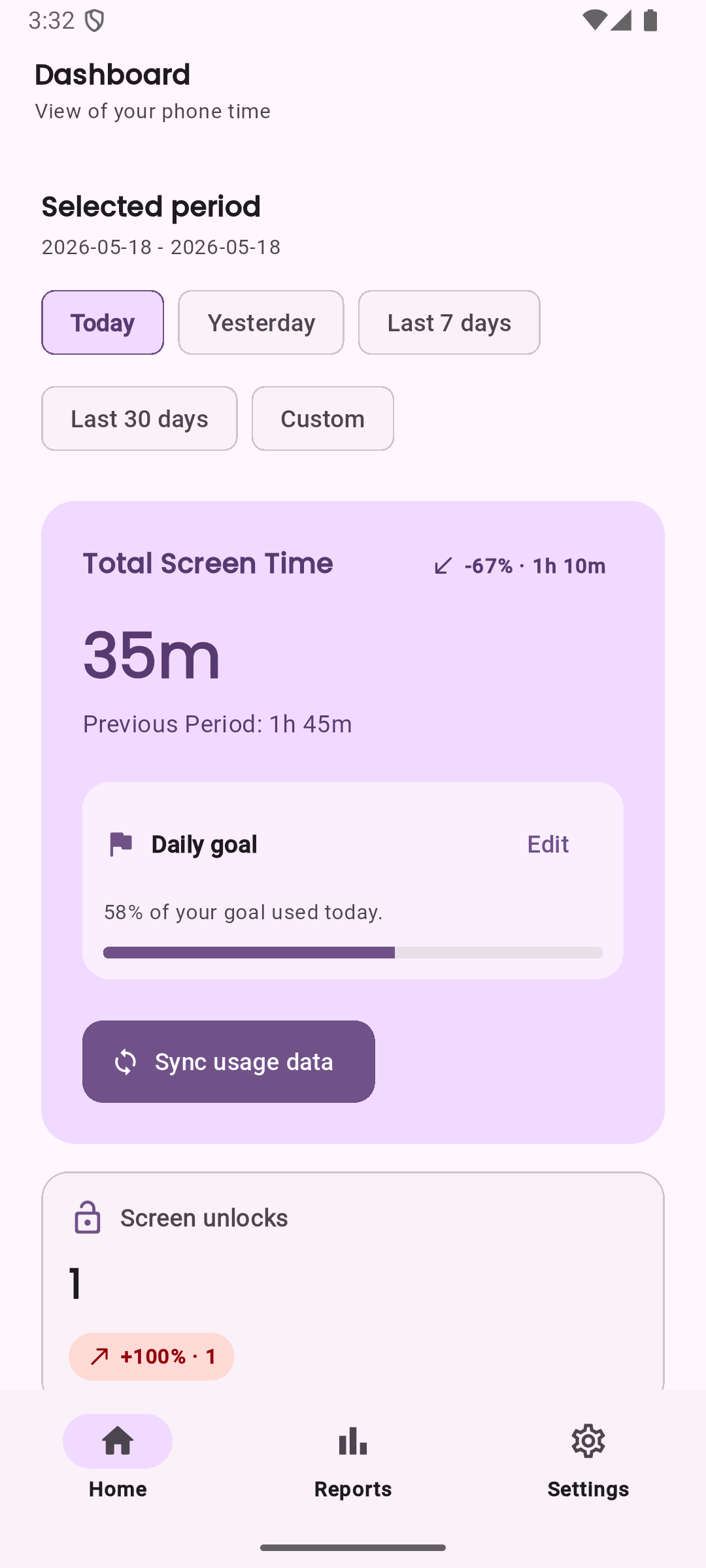
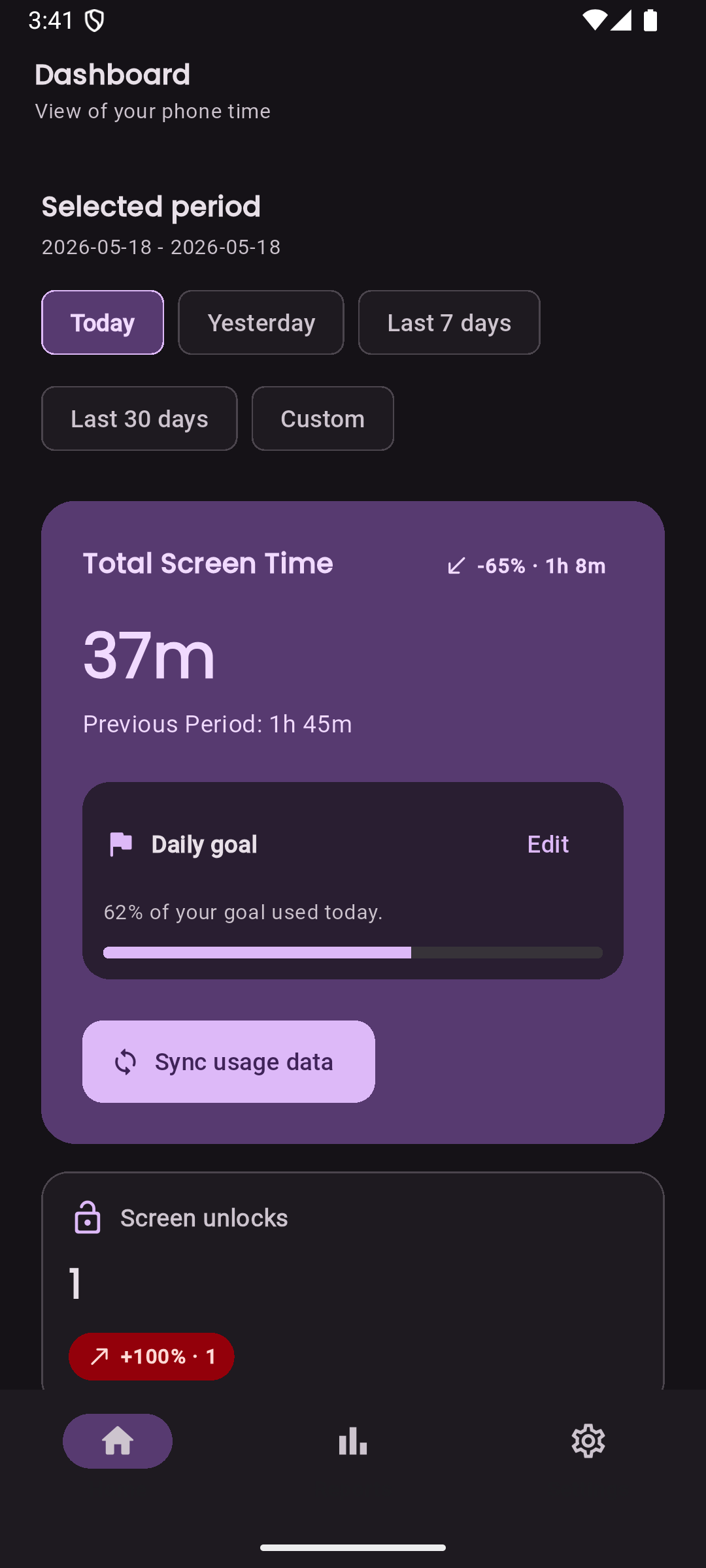
Screen-time overview
See your total screen time across the time window that matters: today, yesterday, the last 7 days, the last 30 days, or a custom date range.
LessIsMore keeps the summary simple so you can notice patterns without digging through a dense dashboard.
- Total screen time for selected periods
- Custom date ranges for deeper review
- Daily goal progress shown beside your usage
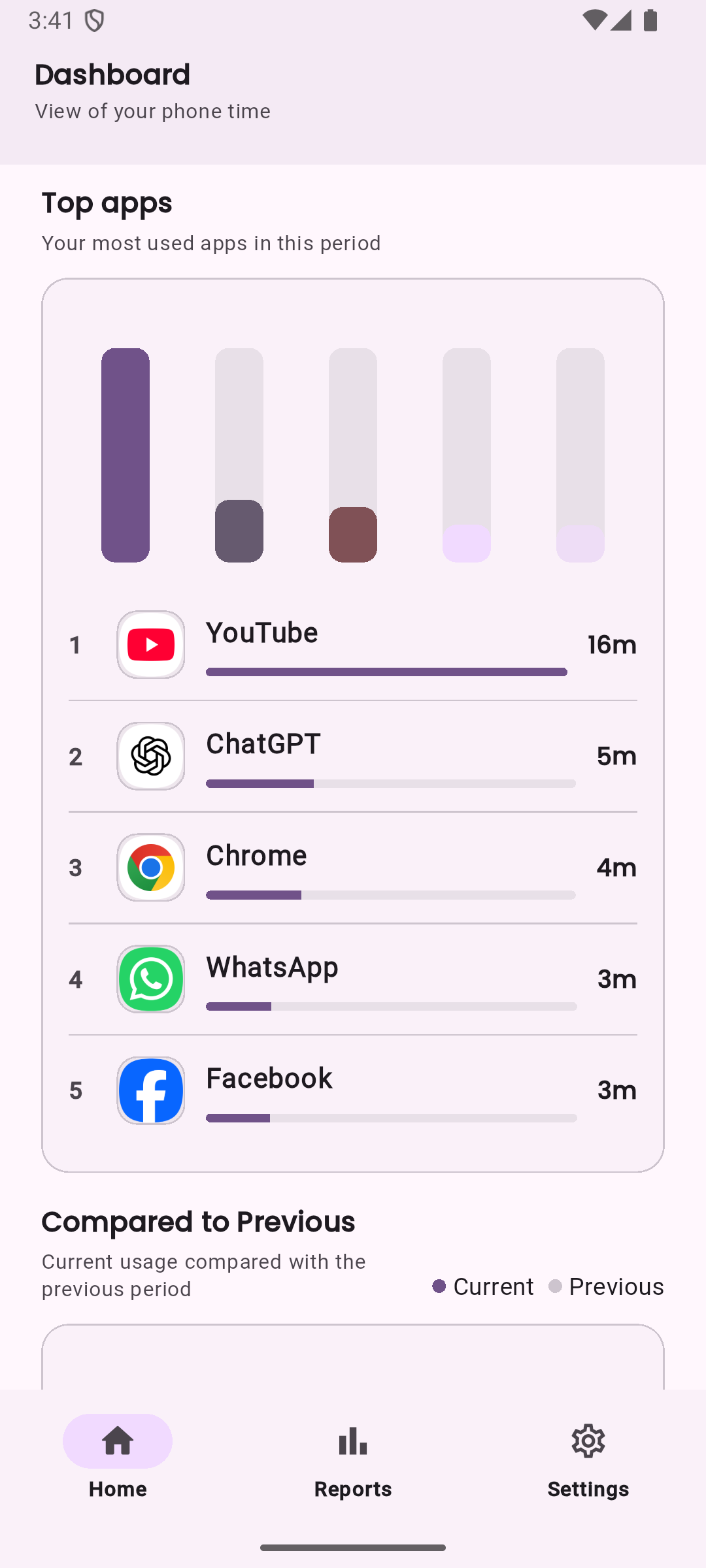
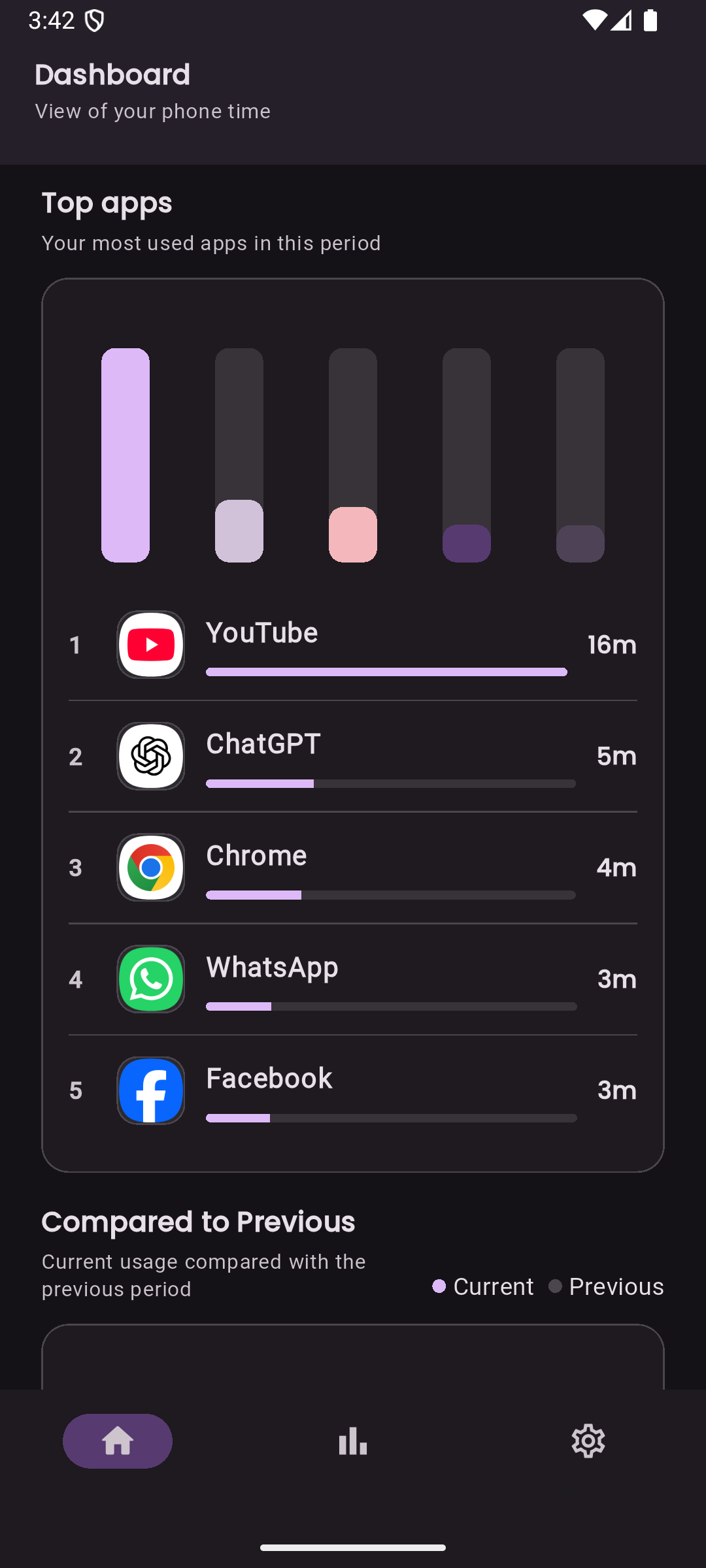
App usage rankings
Quickly see which apps take most of your time. LessIsMore highlights your top used apps and provides ranked usage for tracked apps.
The goal is awareness, not blame: clear app-level visibility helps you choose where to make small changes.
- Top 5 most used apps
- Usage rankings by selected period
- App names, package metadata, and icons where available
Period comparisons
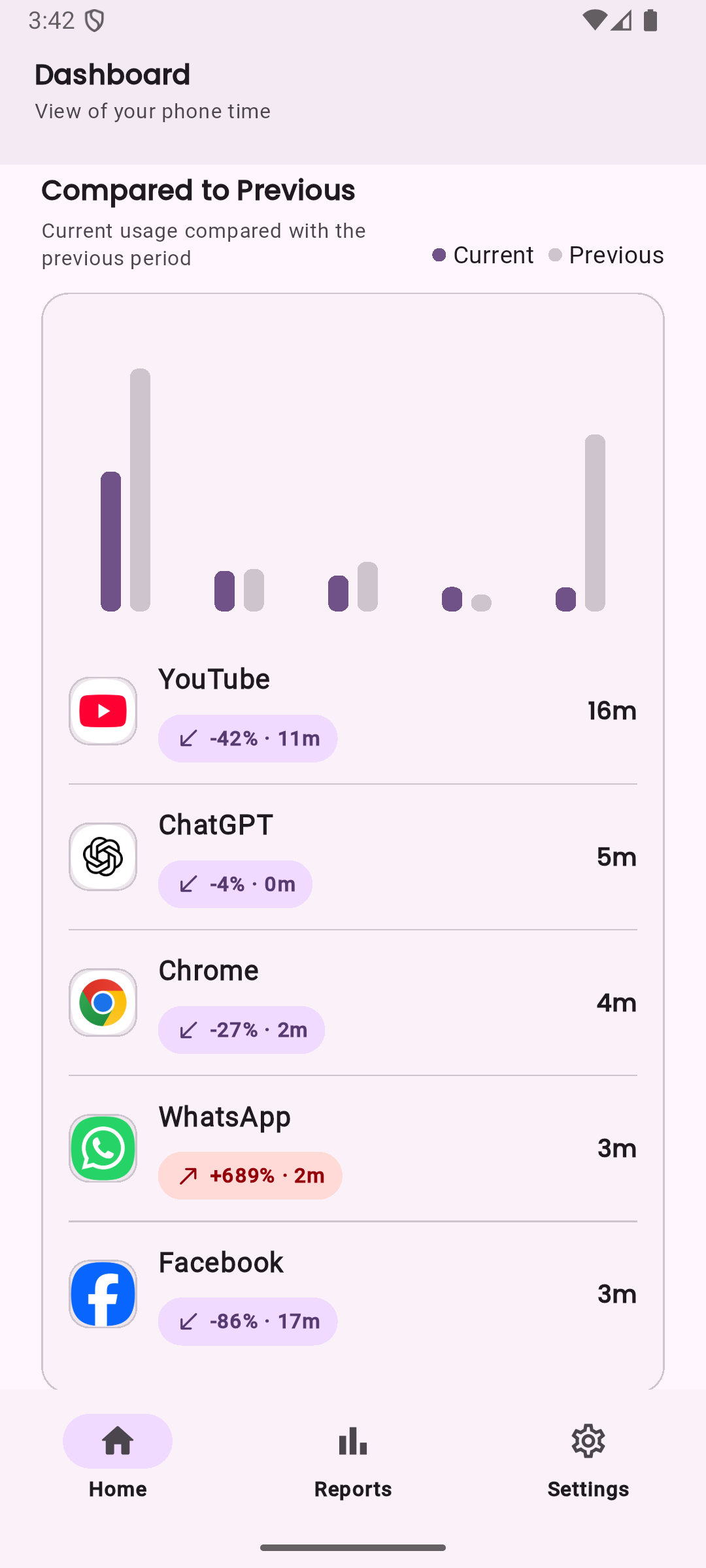
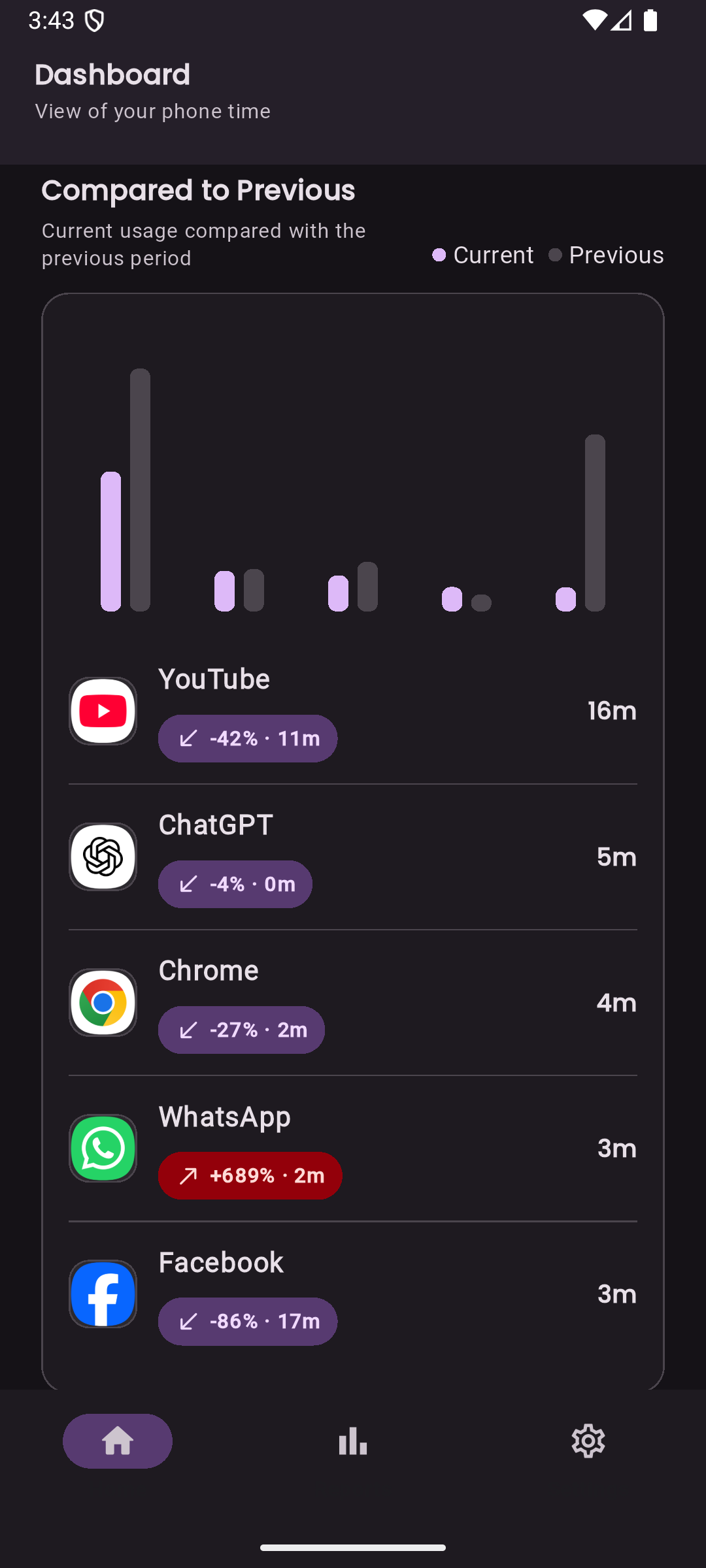
LessIsMore compares your current usage with the previous period so changes are easier to understand in context.
Use comparisons to spot gradual progress, unusual spikes, or apps that keep pulling your attention back.
- Previous-period comparison for total usage
- Current versus previous app-level patterns
- Useful signals without aggressive productivity pressure
Screen activity insights
Track screen activity trends based on available Android usage events.
Android devices and versions can expose usage events differently, so LessIsMore presents this as an activity trend rather than promising an exact unlock count on every device.
- Screen interaction trends
- Careful wording around Android event availability
- Helpful context beside screen-time totals
Daily goals
Set a daily screen-time goal and see whether you are under, near, or over that goal as the day unfolds.
The goal experience is designed to feel supportive and practical, helping you make adjustments without turning your phone use into another source of pressure.
- Daily screen-time goal setting
- Under, near, and over-goal status
- Progress visible from the dashboard
Streaks
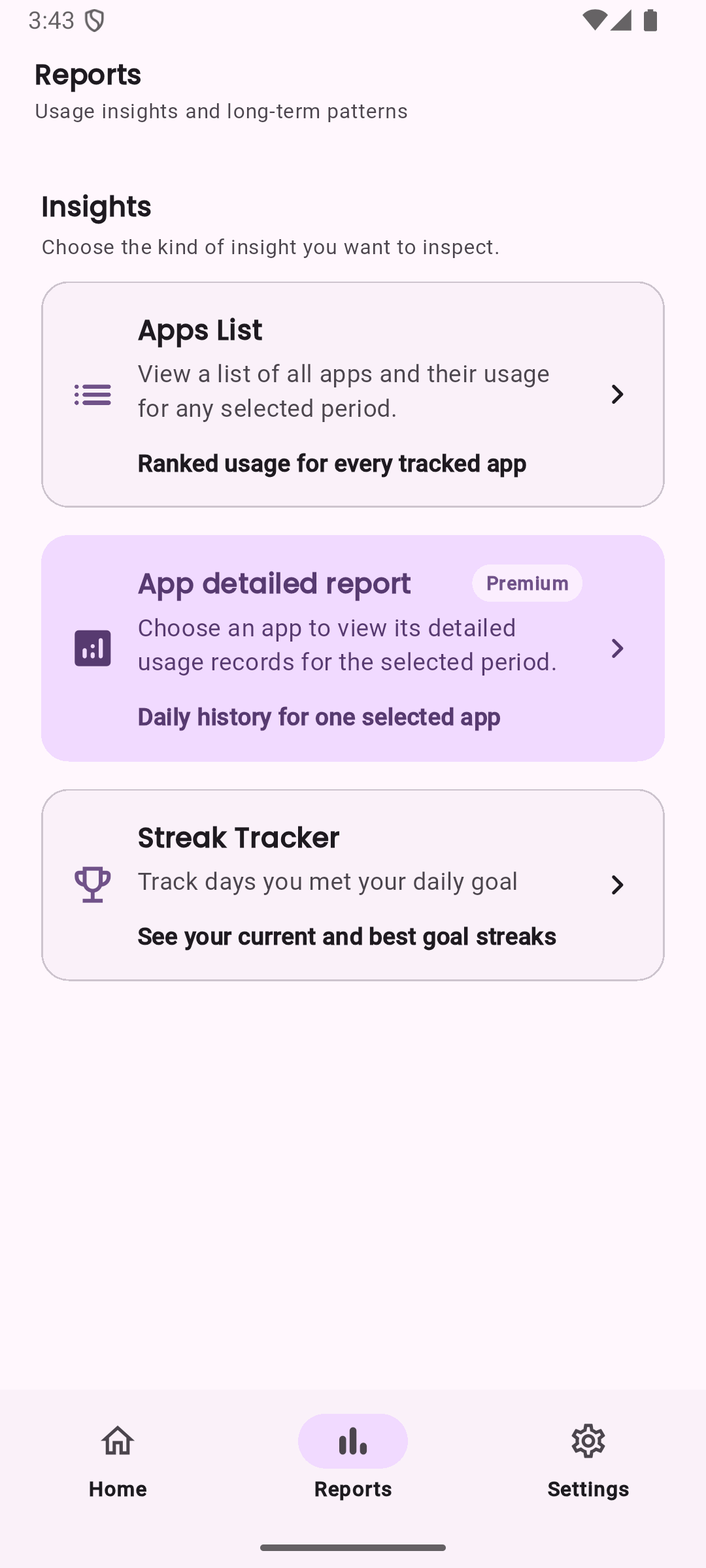
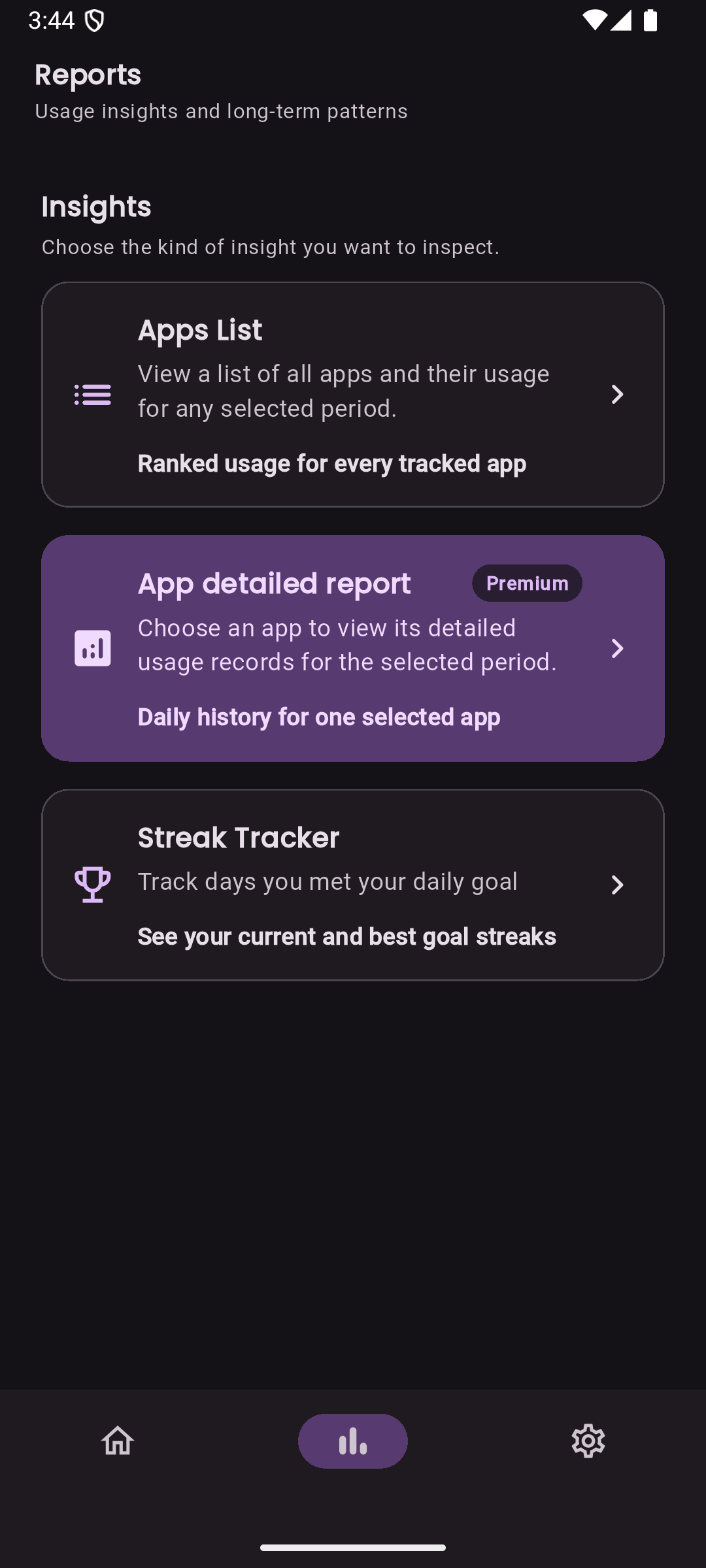
Track consistency over time with current and longest streaks based on your daily screen-time goal.
Streaks are meant to encourage steady progress, not perfection.
- Current streak tracking
- Longest streak tracking
- Goal-based consistency signals
Ignored apps
Exclude selected apps from usage analysis when they should not count toward your goals or reports.
This is useful for tools, work apps, accessibility apps, or anything else you want to keep outside your personal screen-time picture.
- User-selected app ignore list
- Cleaner goal and report calculations
- Flexible tracking for real-life phone use
Detailed reports
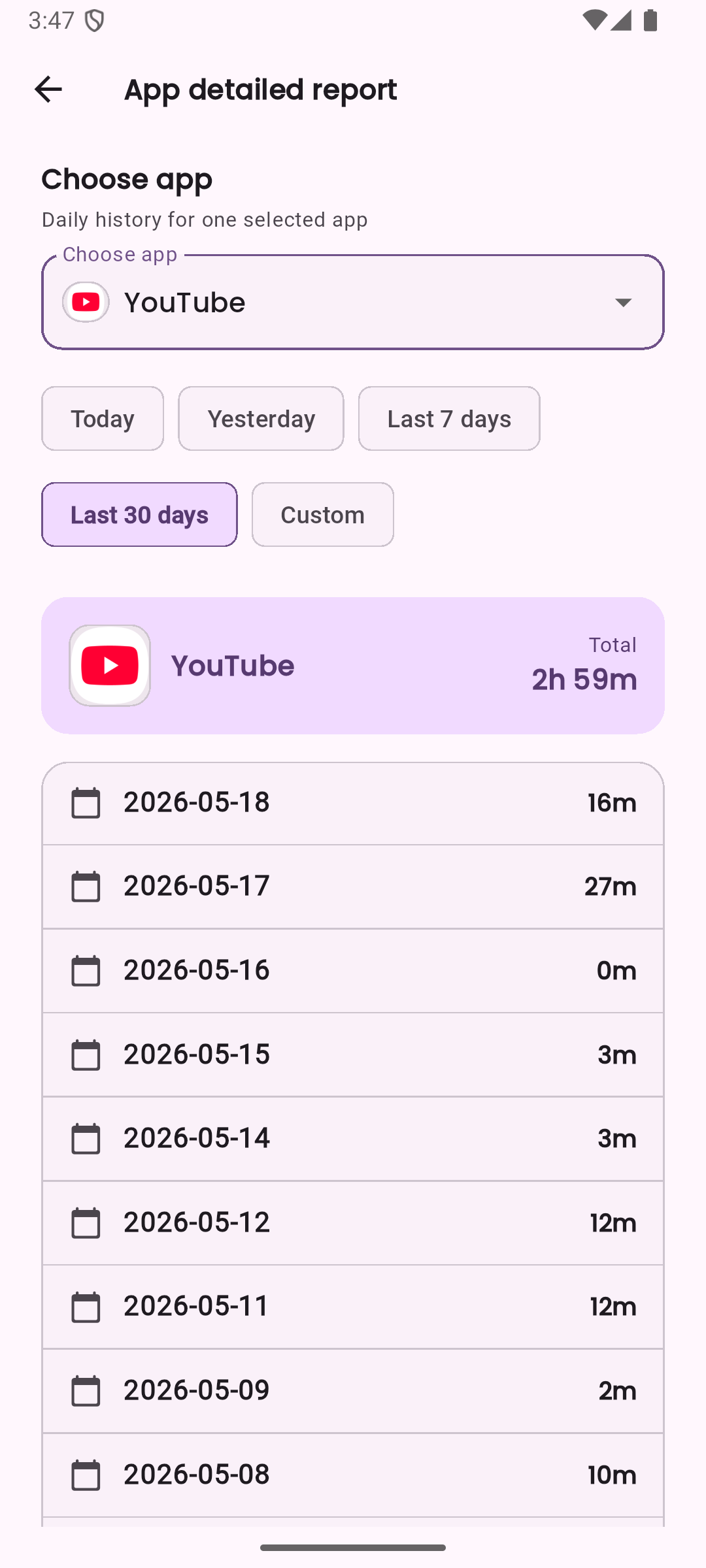
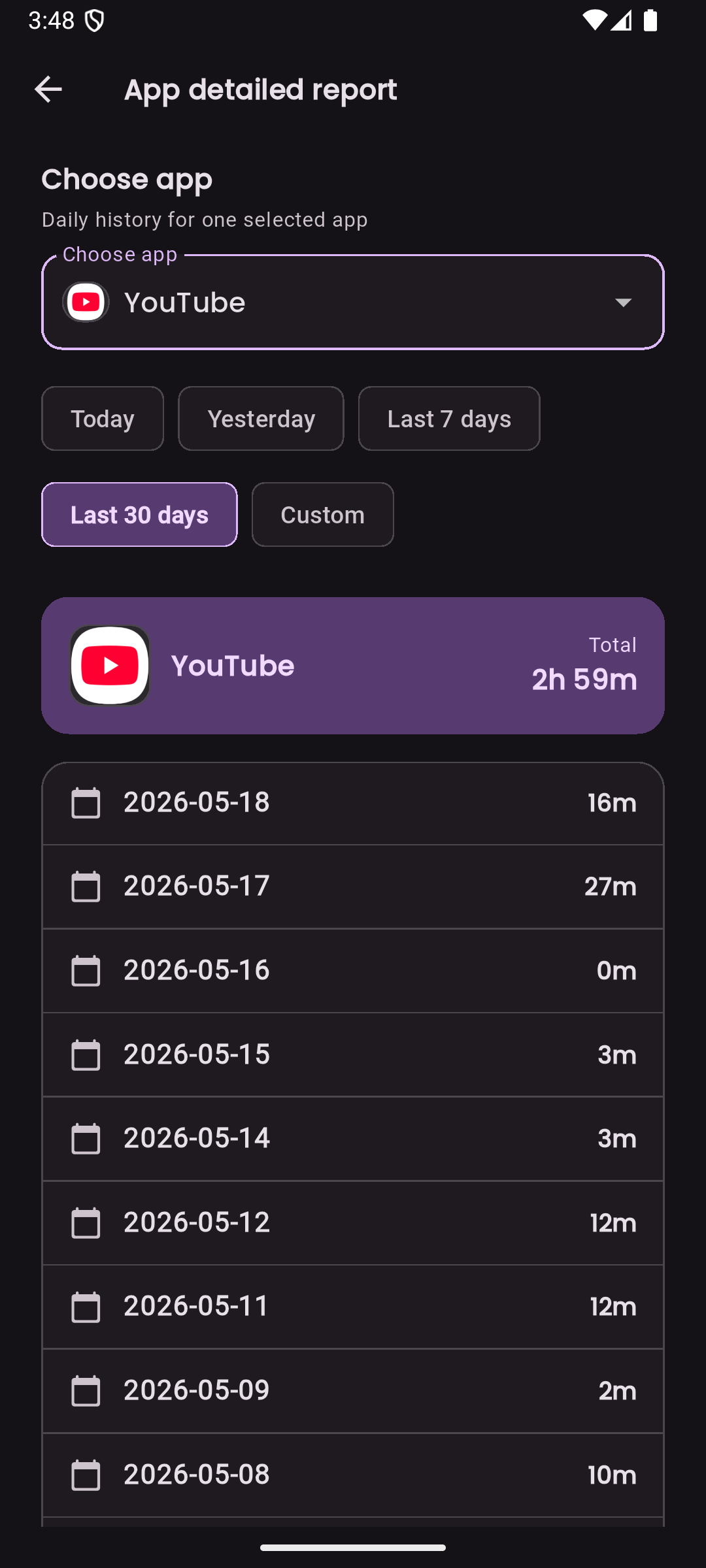
View usage reports and app-level history to understand long-term patterns.
Some detailed reporting functionality is available as part of LessIsMore premium.
- Usage reports and app-level detail
- Daily history for selected apps
- Premium access for deeper reporting
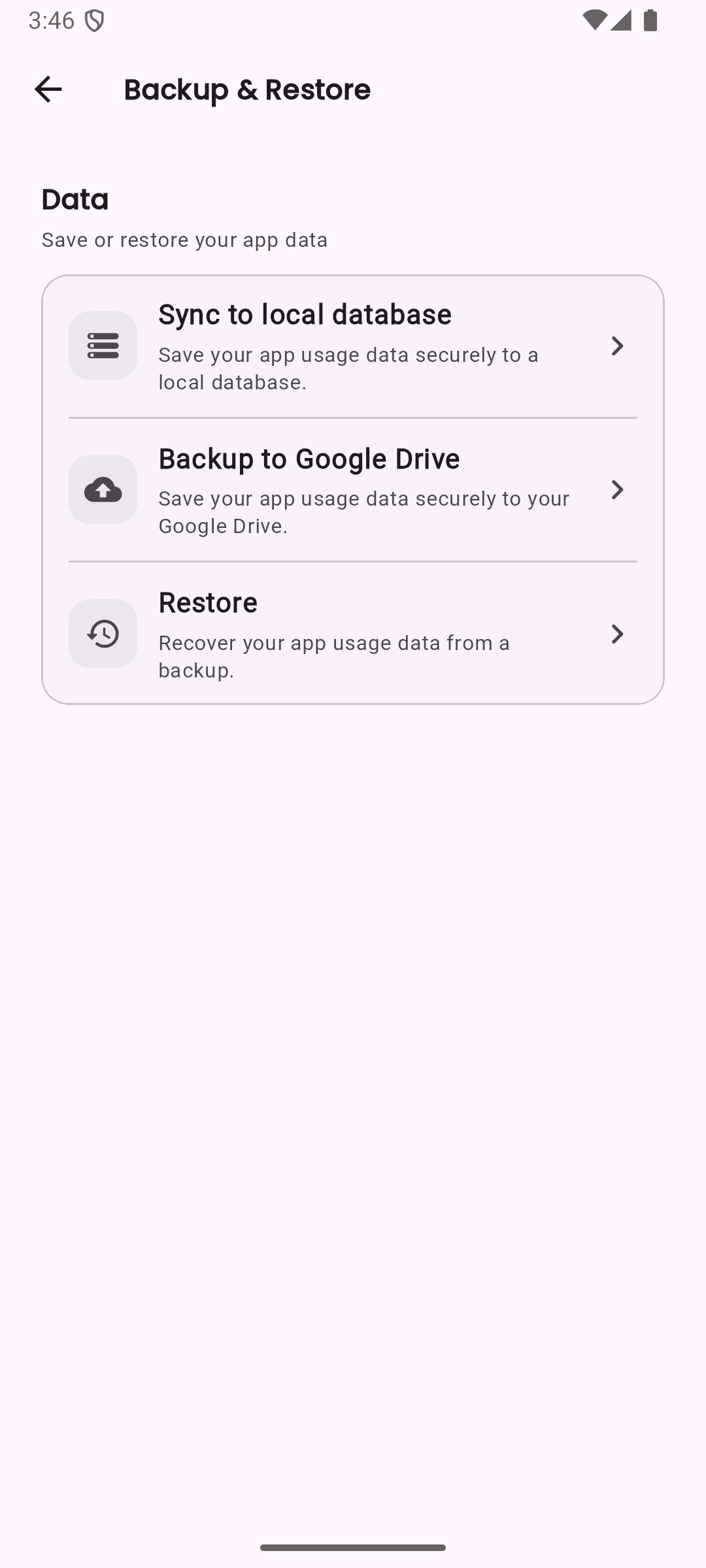
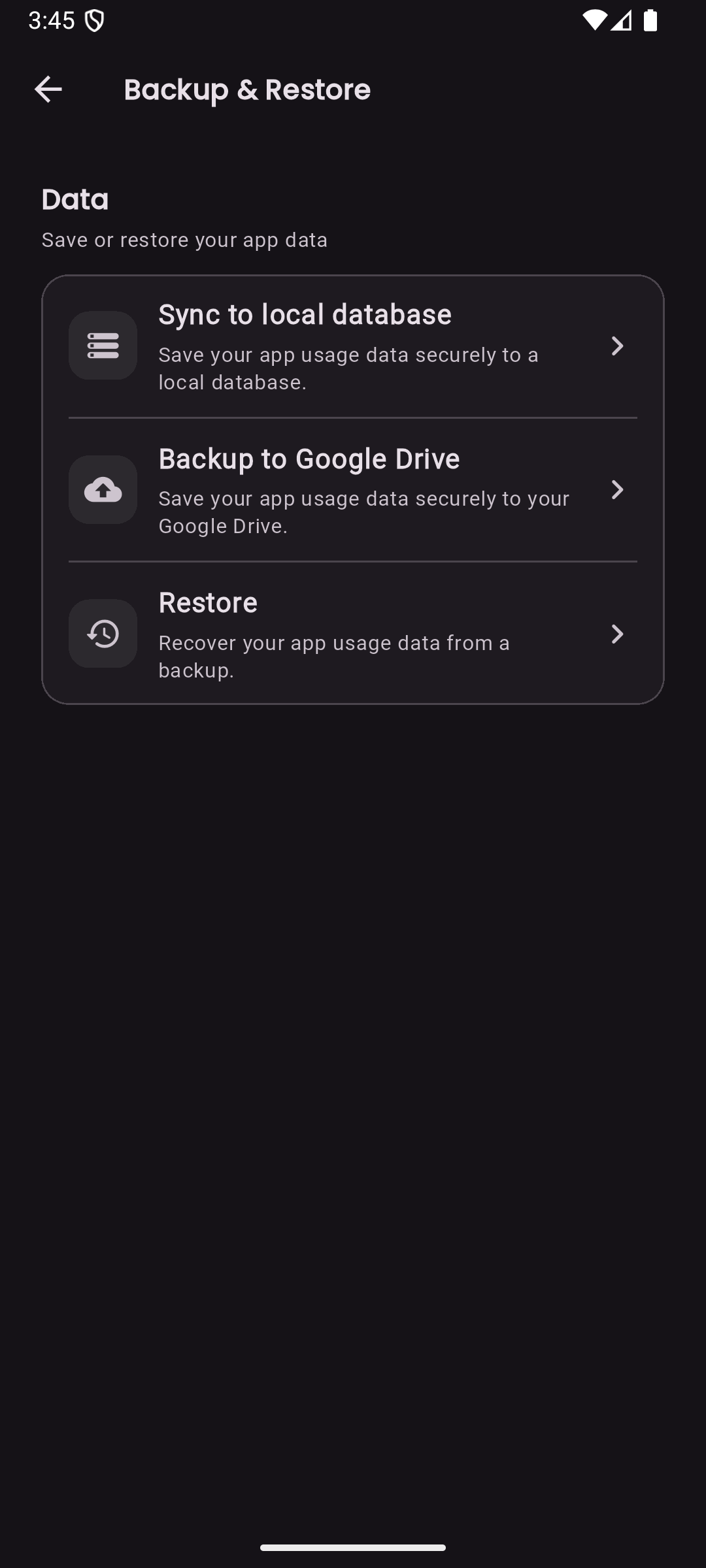
Backup and restore
Premium users can optionally back up and restore the local app database using Google Drive.
Backup is user-initiated. By default, usage history is stored locally on the device.
- Optional Google Drive backup
- Restore selected backups back to your device
- Local-first usage history by default
Less phone time, more intentional time.
LessIsMore is currently focused on Android.
